Audio or video podcast.
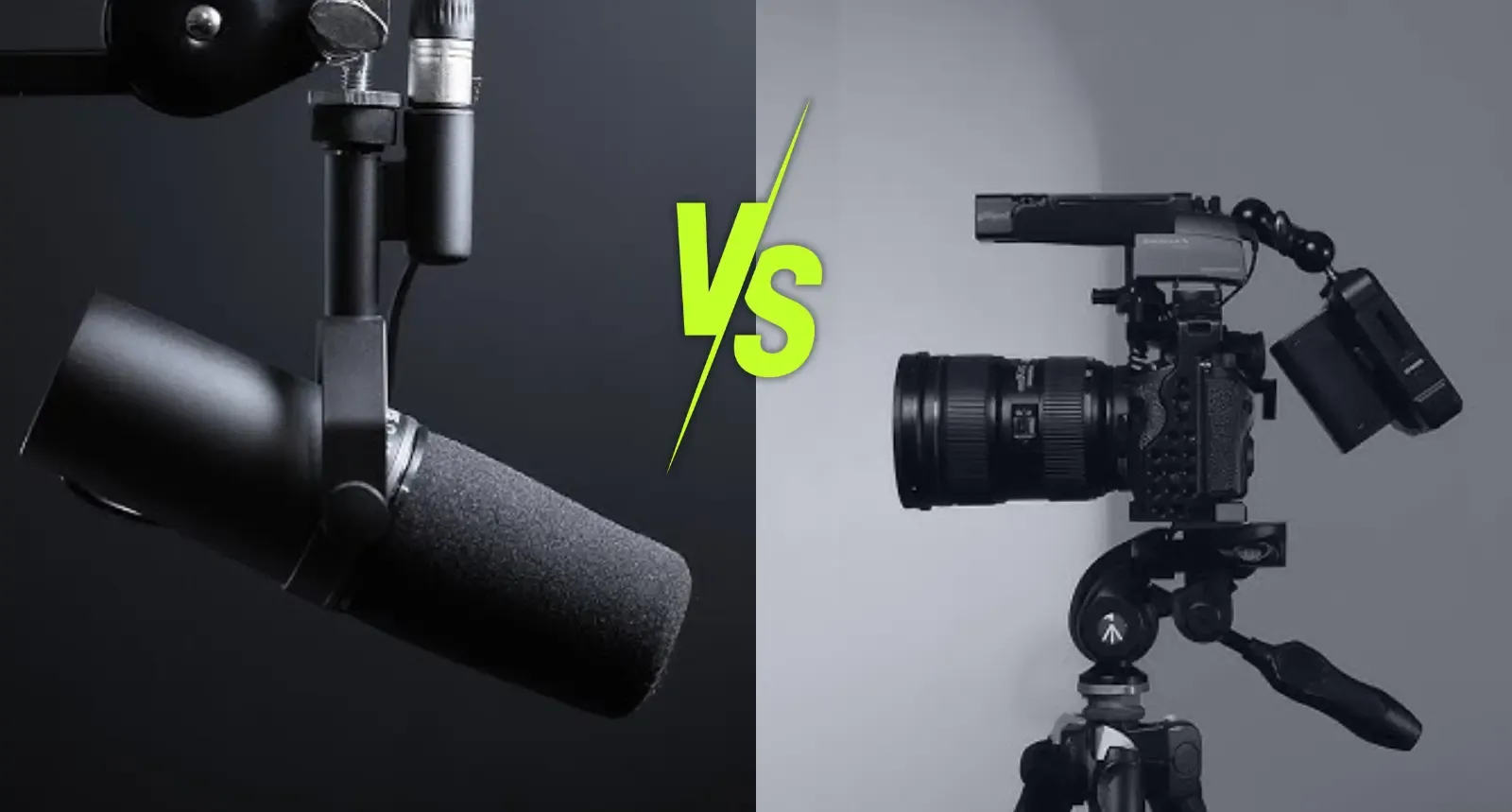
The honest decision guide for every budget and every goal.
Audio or video? Hardly any question is debated as passionately among podcasters. Some say nothing works without YouTube anymore. Others say a podcast is meant to be listened to. Both are right, just not for everyone.
The short answer is this. There is no universally right choice, only one that fits your budget, your time and your goals. If you want to build reach and win clients with your podcast and have the budget for it, video almost always pays off. If you start alone, with little time and a small budget, audio with a few short clips is often the smarter path. In between lies a middle way that, with affordable gear, now pays off for freelancers too.
New on the blog
Leaning toward video?
Then take a look at my mobile video podcast setup. Face-tracking cameras and USB microphones compared, affordable and still studio quality.
What is a video podcast?
A video podcast is a podcast you can not only hear but also see. Sometimes it is called a vodcast or videocast, meaning the same thing. You can watch it mainly on YouTube and Spotify and, since 2026, in Apple Podcasts too. The range is wide.
- Still image with audio: The cover or a graphic sits in the frame, with the audio track running underneath. Technically that is a video, but for viewers hardly more interesting than audio.
- Remote via video call: You and your guest in separate windows, recorded with tools like Riverside. That is affordable and flexible.
- One camera: A fixed shot or a small gimbal camera that follows you. The simplest entry into real video.
- Several cameras in a studio: Wide shot, close-ups, lighting and cuts between angles. That is how the big formats work.
What the numbers say in 2026
The most important finding right up front is that video does not replace audio, it comes on top. That is also how the researchers at Edison Research, who have been measuring the US podcast market for years, put it.
- Most people do both: In the US, according to Edison Research, 36 percent of people aged 12 and over both listened to and watched podcasts in the last month, 15 percent only listened and 7 percent only watched (Infinite Dial 2026).
- YouTube is the biggest podcast platform: For 37 percent of weekly podcast users in the US, YouTube is the most-used platform (Edison Research, The Podcast Consumer 2026). Worldwide, over a billion people a month use podcasts on YouTube.
- Video is growing in Germany too: According to the Online Audio Monitor 2026, four in ten regular podcast listeners in Germany also watch video podcasts. In the previous year, six in ten of those under 30 did. In the Podstars survey by OMR, 52 percent of respondents said in April 2026 that they prefer video.
- Audio holds attention longer: According to an analysis by the audio ad network Seven.One Audio, 83 percent of listeners of a large podcast hear an audio episode to the end, while on YouTube only around 33 percent watch the video to the end. The comparison limps a bit, because with video everyone who clicks in briefly counts, but it shows the strength of audio once someone has made up their mind.
- The platforms are investing in video: Spotify had almost half a million video podcasts at the end of 2025 and has been paying for video through its partner program since 2025, in Germany too. Apple Podcasts has been playing videos via supported hosts since 2026.
Audio and video in direct comparison
| Audio podcast | Video podcast | |
|---|---|---|
| Gear to start | approx. €200 to €300 | mobile from approx. €300, home studio approx. €650 to €2,000 |
| Time per episode | Recording and audio editing | Plus lighting, video editing, thumbnail, clips |
| Finding new listeners | Hard, podcast apps recommend little | Easier, YouTube and social media actively recommend |
| Usage | On the side, in the car, while exercising, doing housework | Deliberate watching, often also just listened to on the side |
| Loyalty | High completion rate | Face and expressions build trust faster |
| Social media | Clips only with a still image or waveform | Ready-made material for Shorts and Reels |
| On camera | Not needed, more relaxed for the camera-shy | Presence, lighting and background count |
| Platforms | All podcast apps via RSS feed | YouTube, Spotify, Apple Podcasts, plus audio via RSS |
Approximate prices approximate, details in the article How much does a podcast cost?
What speaks for an audio podcast
- Less effort per episode: You need no lighting, no video editing and no thumbnail. Especially anyone producing alone is more likely to keep a regular rhythm this way, and regularity beats perfection.
- Listeners stay for a long time: Whoever starts an audio episode often listens to it in full, even for an hour. That is time with you that hardly any other medium offers.
- Fits into your listeners’ daily life: Audio runs while driving, exercising and doing housework. Video demands at least an occasional glance.
- Independent of algorithms: Via the RSS feed, every episode automatically lands in all podcast apps with your subscribers, without an algorithm deciding who sees it.
- More relaxed for guests and the camera-shy: Without a camera, many people talk more freely, and you do not have to worry about lighting, background or outfit.
What speaks for a video podcast
- You get found: YouTube is a search engine and a recommendation engine at the same time and shows your episodes to people who do not know you yet. Podcast apps hardly do that.
- A face builds trust: Whoever sees you gets to know you faster. For freelancers and companies that want to win clients, that is the strongest reason.
- Content for every channel: Every episode yields clips for YouTube Shorts, Instagram, LinkedIn and TikTok. With audio alone, you lack this material.
- More platforms, more chances: Spotify and, since 2026, Apple Podcasts show video, and Spotify pays video podcasters through its partner program.
- Your guests share more readily: A clip in which your guest looks good and says something smart gets shared far more readily than a link to an audio file.
Which format fits your budget and your goals
You start alone, with little time and a small budget
Start with audio. A good USB microphone, headphones and a quiet room are enough, for about €200 to €300. Put the time you save into content and regularity instead. For social media, record in parallel with your smartphone and cut two or three short clips per episode. That way you test video without committing. And if the camera makes you uncomfortable, start with interviews, then the focus is on your guest.
You are a freelancer and want to win clients with the podcast
Here the middle way pays off. You record with a small gimbal camera and a USB microphone, which costs from about €300 and fits in any bag. The whole episode goes to YouTube and Spotify as video, to all podcast apps as audio via RSS feed, and you cut clips from every episode. Which gear suits this is in the article on the mobile video podcast setup. Expect noticeably more time per episode, or hand off the editing.
You are a company or planning a larger format
Then video is almost always the right choice. The budget for gear or production is there, and reach is usually the stated goal. Plan with several cameras, good lighting and a fixed set, in your own room, in a studio or with an agency. What a fixed setup looks like I show in the article on video podcast equipment for the home studio. What matters is that someone then consistently distributes the content to all channels, otherwise the extra effort fizzles out.
How our clients do it
At Studio M, three out of five clients produce a video podcast, and I recommend it too. Their goal is visibility, reach and client acquisition, and they want to feed several channels with one recording, from YouTube to LinkedIn to Instagram. They have the budget, the means and also the desire to be in front of the camera. How to build reach on YouTube with video I show you in the article Growing your podcast’s reach on YouTube.
The other two rely on audio. That is a good decision too, as long as it is made deliberately.
How to do the middle way right
- Always record with a camera when you can: Even if you do not publish the video yet, you have the material for clips and for later.
- Audio via your host: The audio track goes to all podcast apps via RSS feed as usual.
- Video on YouTube: Upload the whole episode and create a podcast in YouTube Studio. How to get more reach there is in the article on podcast reach on YouTube.
- Careful with Spotify: You upload video there via Spotify for Creators. Depending on your host, the video on Spotify replaces the audio version from your feed, and your host’s statistics are then missing for Spotify. Check beforehand whether your host can deliver video directly to Spotify.
- Apple Podcasts with video: Since 2026, Apple shows video podcasts if your host supports the new video format. Ask your host.
- Clips from every episode: Three to five short excerpts per episode are the feeder to your full episode, whether audio or video.
Bonus
Pro video with the phone you already have
Before you spend money on a camera, look at your smartphone. The main camera on the back of current phones films in 4K and is almost always better than any webcam. You can use it for your podcast in two ways.
Way 1, the phone as a webcam on your computer
- iPhone and Mac: Apple calls this Continuity Camera. You need at least an iPhone XR with iOS 16 and a Mac with macOS Ventura, both signed in with the same Apple account, Wi-Fi and Bluetooth on. It works wirelessly or by cable, and with a cable the phone charges at the same time. The iPhone has to be locked and standing stably, the rear cameras pointing at you. After that it shows up as a camera in every program, in the browser too.
- Android and Windows 11: Via the app “Link to Windows”, an Android phone from Android 9 becomes a wireless webcam. Many newer devices, such as the Pixel series from Android 14, also work via USB cable; for that you choose “Webcam” in the USB menu after connecting. Whether your model can do this depends on the manufacturer.
Way 2, the phone as a second camera in Riverside
Riverside is a recording tool for podcasts in the browser with which you also record remote guests. The trick is that Riverside records directly on every device instead of just transmitting the picture over the internet. So the quality does not depend on your Wi-Fi, and the phone delivers up to 4K.
- How to connect it: You join your Riverside studio in the browser on your computer, open the Riverside app on your phone and connect it as a second camera, alternatively via the QR code in the studio. Switch to the rear camera in the app, it has the higher resolution.
- Two angles: The laptop camera or the phone connected as a webcam films you head-on, the second phone from the side or close up. In the edit you switch between both, and your podcast looks like it came from a studio.
- Mind the plan: For free, Riverside records in lower resolution; for 4K you need a paid plan.
So it looks good
- Landscape and eye level: A simple phone mount or a small tripod is enough, as long as it is stable.
- Airplane mode with Wi-Fi: That way no call interrupts the recording. With Riverside, Wi-Fi has to stay on so uploads work.
- Power and storage: 4K video needs a lot of space. Plug the phone into the charger and free up storage beforehand.
- Light from the front or at an angle: A window to the side in front of you is the best free light, never behind you.
If video is right for you, you will find the next level in the article on the mobile video podcast setup.
Conclusion on audio and video podcasts
Audio is cheaper, faster to produce and keeps listeners for a long time. Video brings reach, trust and material for every channel, but costs more money and time. For companies and anyone who wants to win clients with their podcast and has the budget, video is usually the better choice. Whoever starts alone and with little time does well with audio and a few clips. And for everyone in between, the middle way with small gear is easier today than ever.
Frequently asked questions about audio and video podcasts
Vodcast and videocast are other words for video podcast. It means a podcast where you not only hear the conversation but also see it, for example on YouTube, Spotify or now also in Apple Podcasts.
There is no blanket answer. Video brings more reach because YouTube and social media reach new people, but costs more money and time. Audio is cheaper, faster to produce and suits listeners who listen on the side. What matters are your budget, your time and your goals.
Doing it yourself, you need about €650 to €2,000 for a home studio with camera, microphone and lighting, mobile with a gimbal camera from about €300. If you have it produced, video episodes at Studio M start at €300 per episode.
Yes, many start with audio and short clips and switch later. If you already record with a camera now, even if you do not publish the video yet, you have the material ready right away later.